Household Finance Dashboard
A household finance dashboard built from real statements
See uploaded statements, categorized transactions, budgets, and spending insights in one connected view without relying on bank sync.
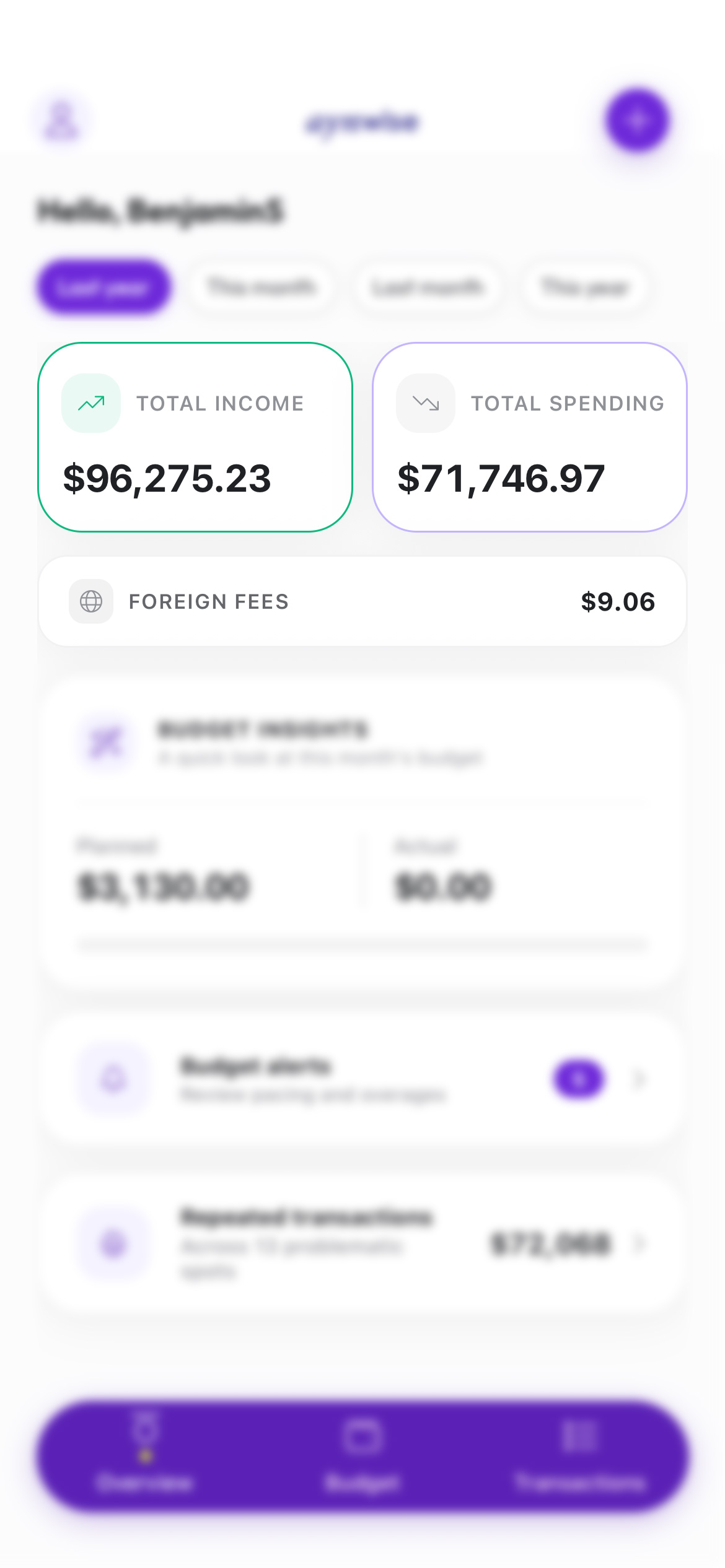
aynWise does not tell you what to do. It gives households a clearer picture so decisions can come from reality.
See the full household workflow in one place
The overview page works best when it introduces the whole product, not just the dashboard screen. These core areas are what turn uploaded statements into a usable household finance system.
Dashboard
Your financial snapshot, updated monthly
See trends across accounts, categories, and time so the household can understand what changed before the month gets away from you.
Transactions
Clean, searchable transaction history
Review, search, and organize transactions across accounts. Catch duplicates, transfers, and category mistakes before they distort the budget.
Statements
Upload once, track progress automatically
Upload bank statements and follow their parsing status. No spreadsheets, no direct bank connection, and far less cleanup.
Budgets
Planned vs. actual, without pressure
Compare what you planned to spend with what actually happened by category and month, without alerts shouting at you.
Households
Built for families, not just individuals
Manage members, roles, and shared accounts in one place, so everyone sees the same picture.
Insights
Patterns that explain your spending
Spot recurring behaviors, hidden inefficiencies, and trends that shape your financial picture clearly and calmly.
Who this household finance dashboard is for
This page is aimed at households that want one place to review spending, budgeting, and statement imports without relying on fragile bank sync.
It fits families that share financial decisions, anyone who prefers uploading bank PDFs instead of granting direct access, and people who want a budget tracker grounded in actual statement history.
How aynWise works
- 1. Upload PDF or image statements from the accounts you want to review.
- 2. Let aynWise extract and categorize transactions into a cleaner household record.
- 3. Review the same source data across transactions, budgets, and insights.
- 4. Use the dashboard to understand what changed and where follow-up is needed.
Frequently asked questions
These are the main questions this overview page should answer for search and for buyers evaluating the product.
What makes this dashboard different from a typical budgeting app?
aynWise starts from uploaded bank statements instead of requiring direct bank sync. That gives households a shared view of transactions, budgets, and insights without handing over bank credentials.
Who is this household finance dashboard built for?
It is built for families and households that want clearer spending visibility, a calmer budgeting workflow, and a way to review statement data without spreadsheet cleanup.
Do I need to connect my bank account to use the dashboard?
No. The product is designed around PDF and image statement uploads, so you control what gets imported and when.